
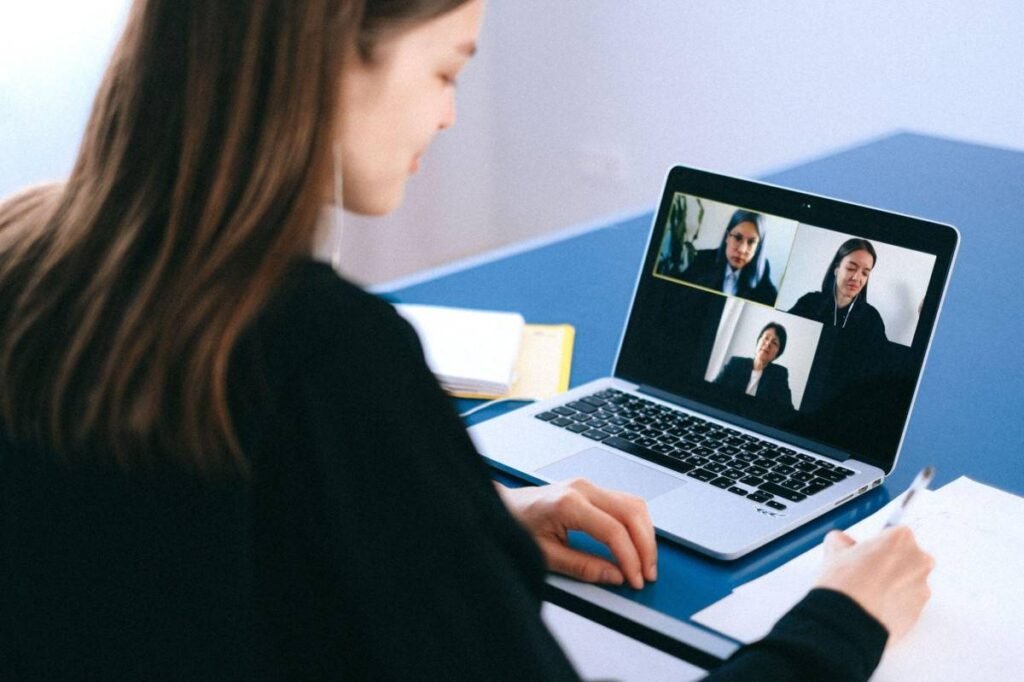
Getting ready for a virtual job interview involves more than picking the right outfit or rehearsing answers. Your internet connection quietly decides whether you come across as calm and professional, or scattered and unreliable. A frozen screen at the wrong moment can undo weeks of preparation. This guide walks through practical steps to make sure your connection holds up when it matters most.
Why Internet Connection Quality Can Make or Break Your Interview
Recruiters notice technical hiccups more than candidates realize. A 2023 survey by Owl Labs found that nearly 70% of hiring managers said poor video or audio quality affected their impression of a candidate. That’s a striking number for something entirely fixable.
Think about it from the interviewer’s side. They’re already juggling notes, questions, and body language cues. Add a stuttering video feed, and their attention shifts from your answers to your buffering icon. Not exactly the impression you’re going for.
Test Your Speed Before the Big Day
Before anything else, run a speed test. Websites like Speedtest.net take under a minute and tell you exactly what you’re working with. For a smooth virtual job interview, aim for at least 10 Mbps download and 3 Mbps upload speed, since video calls are hungrier than regular browsing.
Some candidates also run a VPN app during this test, especially if they’re connecting from a shared office, co-working space, or public network. A VPN encrypts your traffic and can prevent your internet provider from throttling video call bandwidth during peak hours, which sometimes happens without warning. Another, but not the least, reason to use a VPN is working with sensitive information. You should probably discover more here to make an informed decision. It’s especially important to activate a VPN, as the interview is conducted with an HR specialist from abroad.
Wired Beats Wireless, Here’s Why
Wi-Fi is convenient. It’s also less predictable than a cable plugged straight into your router. Physical obstacles, distance, and even your neighbor’s network can quietly steal bandwidth.
An ethernet cable removes most of that guesswork. If you own a laptop with an ethernet port, use it. If not, a simple USB-to-ethernet adapter costs under fifteen dollars and pays for itself the moment your call doesn’t drop mid-sentence.
Router Placement Matters More Than You’d Think
Where you put your router affects everything downstream, quite literally. A router tucked inside a cabinet, behind a TV, or on the far side of the house will always underperform compared to one sitting in an open, central spot.
Walls, metal appliances, and even fish tanks weaken a signal more than people expect. Moving your workspace closer to the router, or moving the router itself, sometimes fixes an issue no amount of troubleshooting could.
Where People Usually Go Wrong
Small mistakes add up fast when it comes to virtual job interview prep. Here are the most common ones worth avoiding:
- Running interview software alongside cloud backups or large downloads
- Sitting at the edge of your Wi-Fi router’s range
- Forgetting that other household members are streaming at the same time
- Skipping a test call the day before
- Assuming your connection is fine because “it usually is”
Each of these is minor on its own. Combined, they’re often the real reason interviews go sideways.
Close Unnecessary Apps and Tabs
Every open browser tab, streaming app, or cloud sync tool eats into your available bandwidth. Close what you don’t need at least fifteen minutes before your interview starts.
This isn’t just about speed. Fewer background processes also mean your laptop runs cooler and quieter, so you’re not distracted by fan noise while trying to sound composed.
Have a Backup Plan Ready
Even a strong internet connection can fail without warning. A short outage, a router glitch, or a sudden drop in your neighborhood’s network can happen at the worst possible time.
Keep your phone charged and nearby with mobile hotspot enabled, just in case. It’s also smart to have the interviewer’s phone number or email on hand, so you can reach out immediately if your video call disconnects. A quick, calm message beats leaving them wondering what happened.
Pick a Quiet Time to Test Everything
Internet speeds often dip during peak hours, typically early evening when entire neighborhoods are streaming, gaming, and video calling at once. If your interview falls during that window, test your connection at that exact time the day before, not at 9 a.m. when everything looks perfect.
This single habit catches problems that a morning test would completely miss.
What Interview Coaches Say
Career coach Angela Chen puts it simply: “Candidates spend hours polishing their resume, then five minutes checking their Wi-Fi. That math doesn’t add up.”
It’s a fair point. Your qualifications matter, obviously. But if the interviewer can’t hear your answer clearly, none of that comes through.
A Quick Checklist Before You Log In
Fifteen minutes before your job interview, run through this short list:
- Run a speed test and confirm results are stable
- Connect via ethernet cable if possible
- Close background apps, tabs, and downloads
- Restart your router if it’s been running for days
- Test your camera and microphone with the actual video platform
- Have your phone charged as a backup connection
- Sit somewhere with strong, consistent signal
Checking these boxes takes less time than picking an outfit, yet it often matters more.
Final Thoughts
A great internet connection won’t get you the job on its own. But a bad one can absolutely cost you the opportunity before you’ve said a single word. Preparing your setup the same way you prepare your answers puts you in control of the parts of the interview that are actually within your reach.
Treat your connection like part of the interview itself, not an afterthought. It’s a small investment of time that removes one more variable you don’t need to worry about, leaving you free to focus on what you actually came to do: make a strong impression.